Fig.01 — MIMEYE / player software, every screen
Your player,
activated precisely.
Install the app, read the code from your screen, and choose the plan that suits you. We will walk you through each step.
optical focuslive · every screen
№01the eye reads the picture
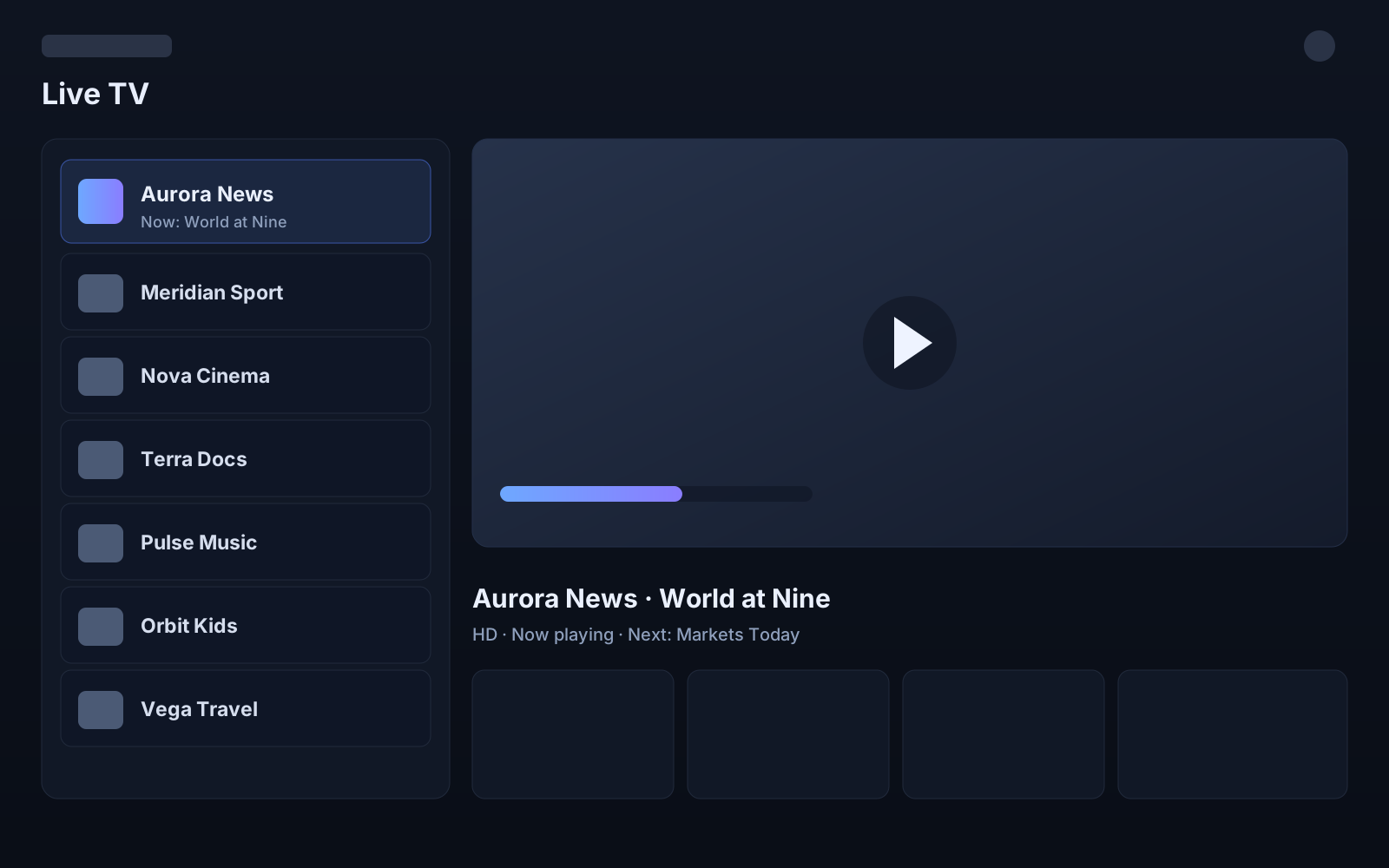
How it resolves
Sequence — 04 steps-
you are here
Install the app
Available for the platforms we support today.
-
next
Read your device code
The app shows a 7-digit code and a 6-digit PIN on its start screen.
-
next
Choose a plan
We show the price before you pay, and confirm it again before checkout.
-
next
Your device activates
Activation completes once the payment is confirmed.
Fig.02 — the interface, as materialRepresentative UI · not live content
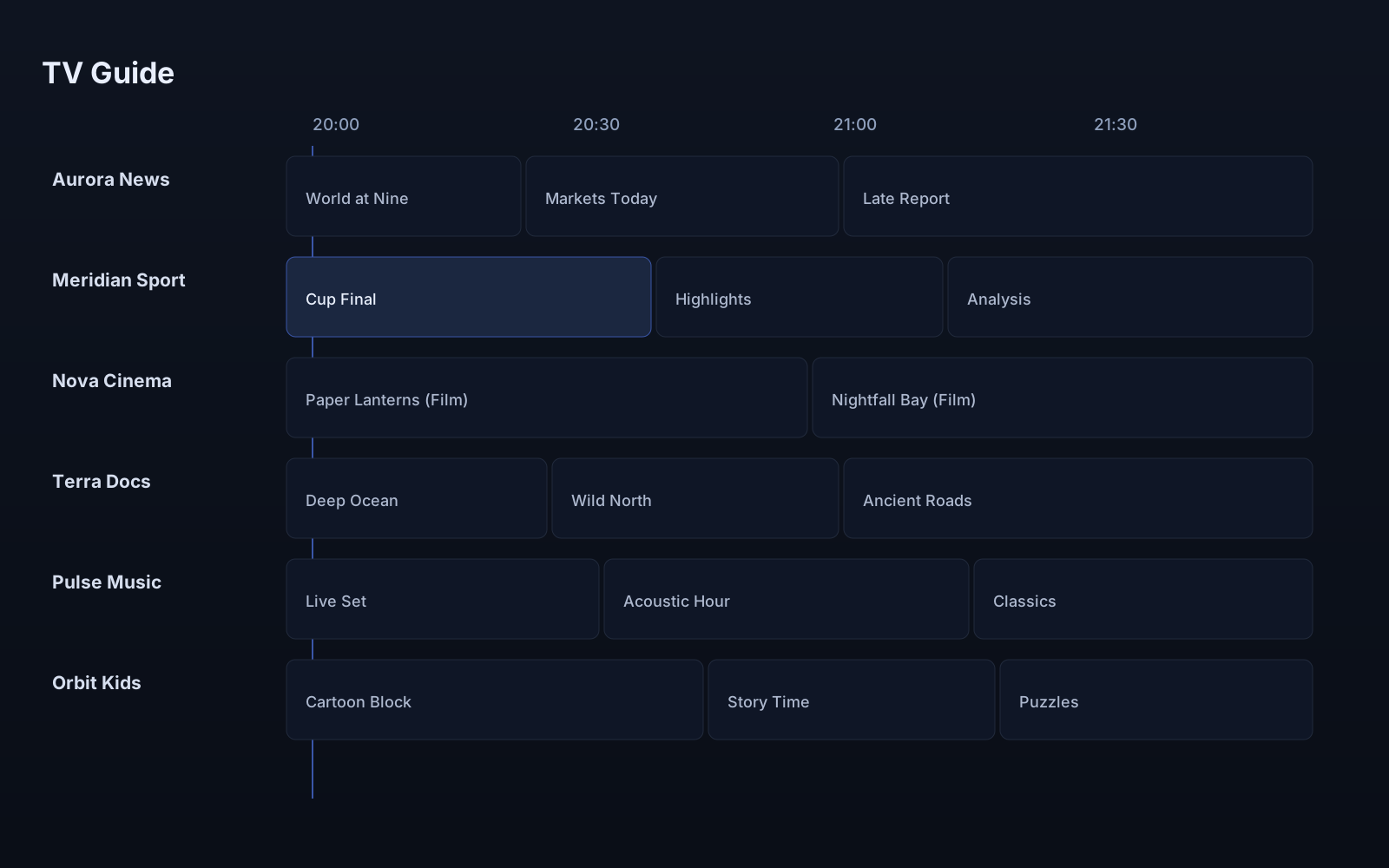 Guide / 24h
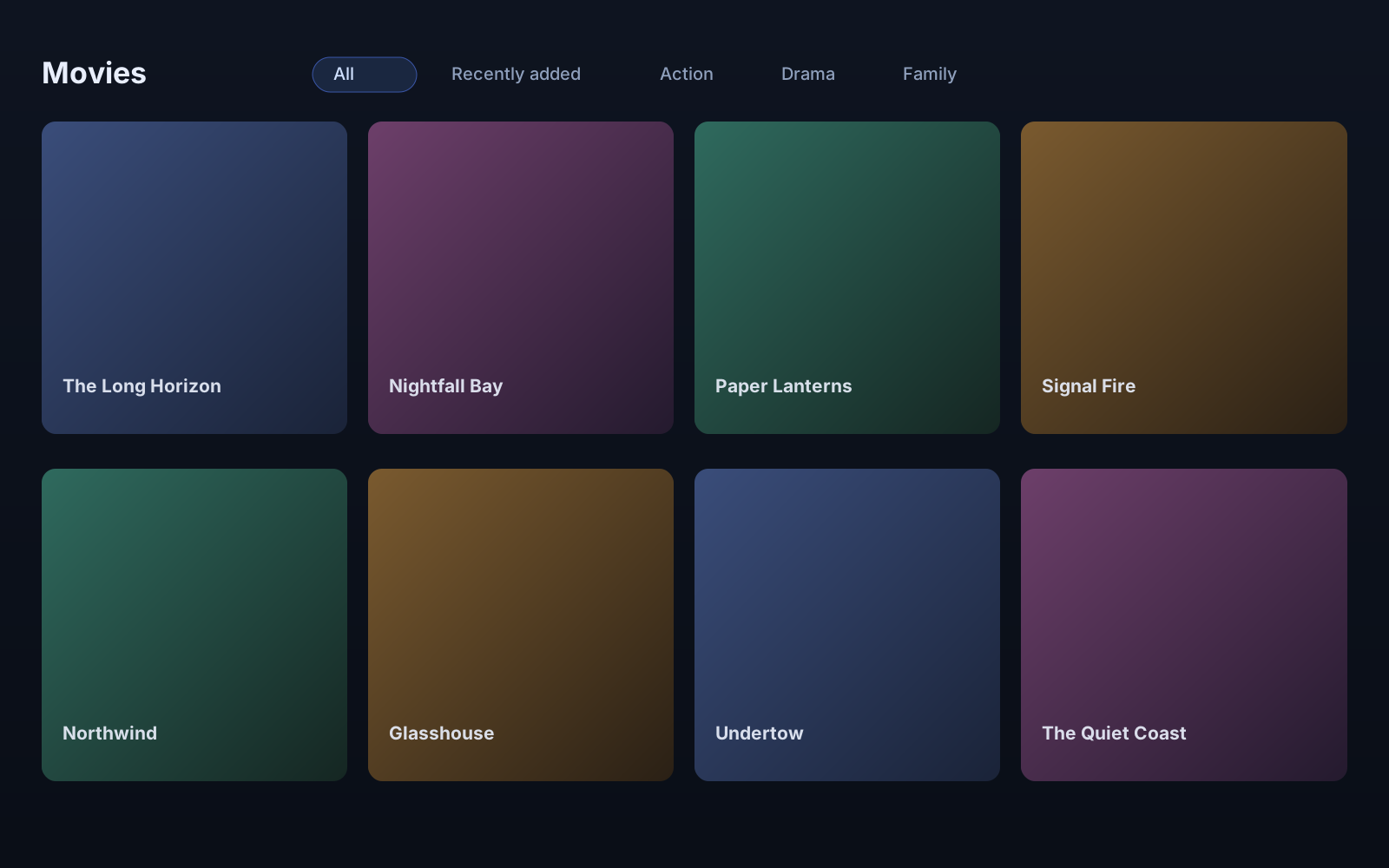 Library
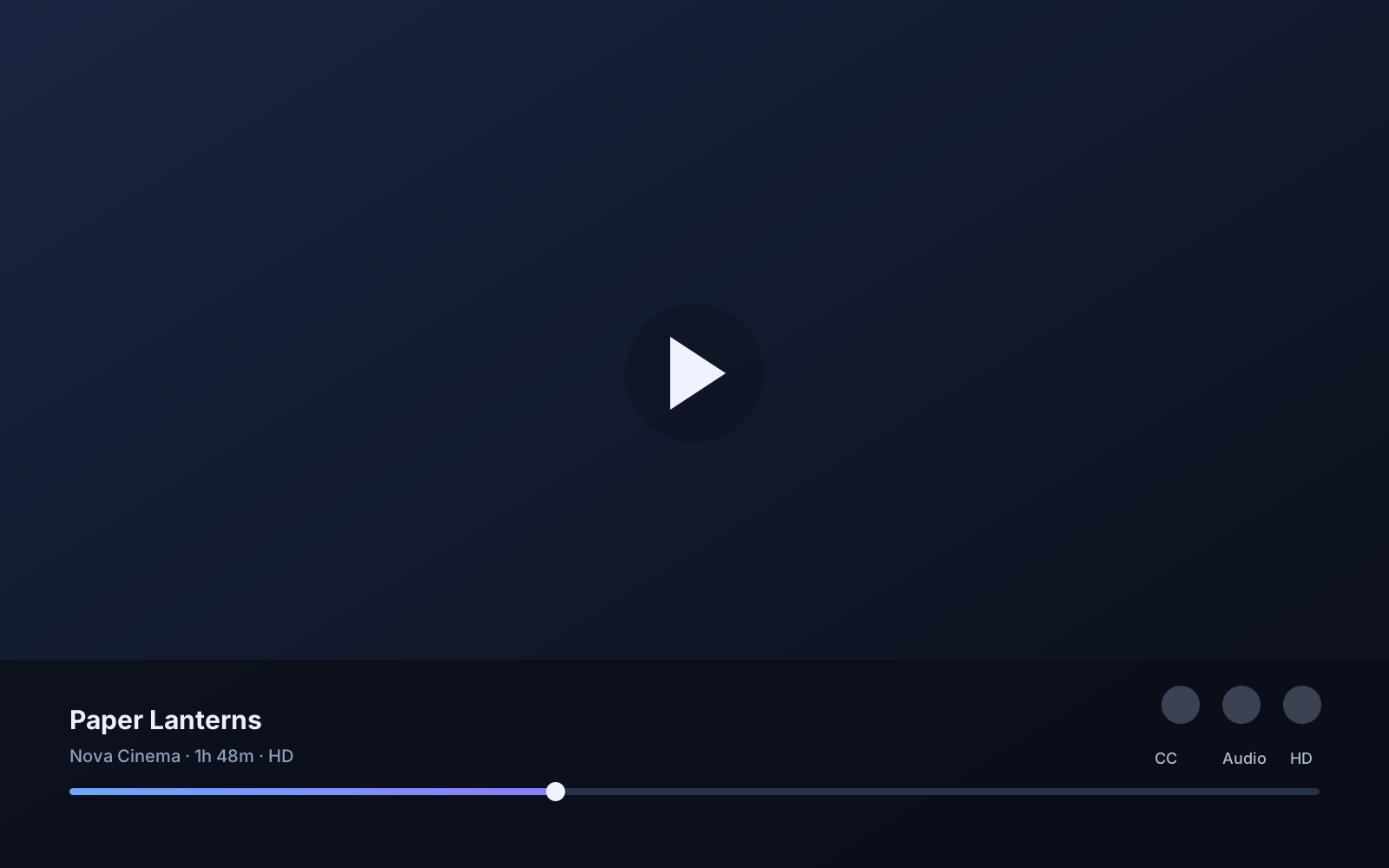
Screens are cropped as editorial material. MIMEYE is the player; you bring the service.
The ecosystem
Install on the screen in front of you. Each platform is shown honestly — a demo preview, or “coming soon” where a store listing is still on the way.
01 / port
Android TV
Demo
02 / port
Android
Demo
03 / port
Windows
Demo
04 / port
Fire TV
Demo
05 / port
iPhone & iPad
Coming soon