TV · MIMEYE
MIMEYE on Amazon Fire TV
Install the player, activate the device, and add the playlist you already have. MIMEYE is the app; you bring your own content.
What you need
A Fire TV Stick or Cube on a recent Fire OS, plus your own playlist.
How to install
- Install the app on your Fire TV device.
- Open it and note the device code shown on screen.
- Activate the device, then add your own playlist.
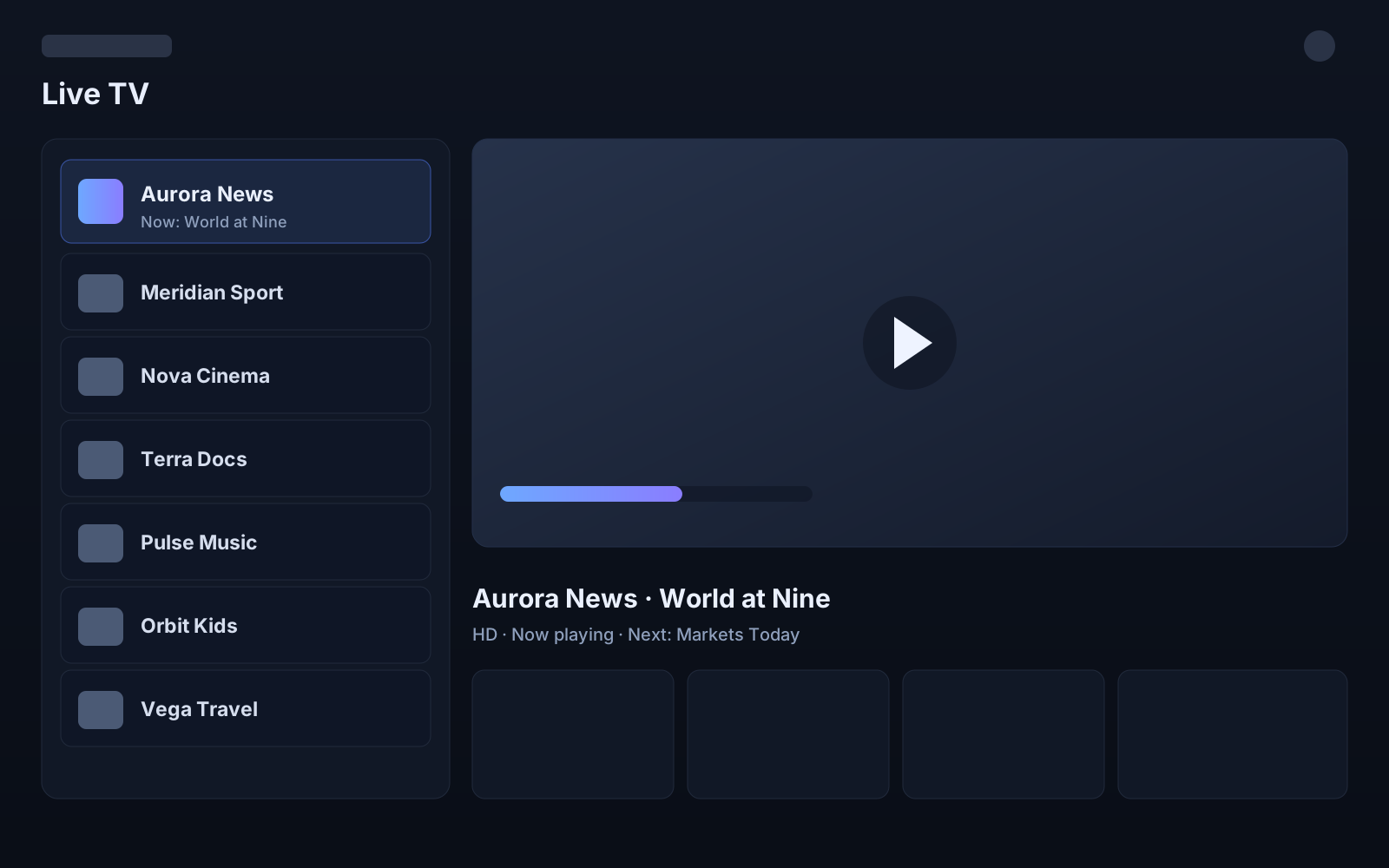
Screenshot is representative interface, not live content. MIMEYE does not provide channels, playlists or subscriptions.